Audio to text · How-to guide
How to Convert Audio to Text: Transcribe and Export Recordings
Recording audio is straightforward. Getting that audio into text and into the right document, database, or inbox is where most workflows stall. This guide covers every step: choosing the right method, running transcription, reviewing output, and exporting without manual copy-pasting.
 Best for upload-free audio transcription
Quick answer
4 steps to convert audio to text
Method selection and consent come first. Export format determines how useful the transcript is once transcription is done.
1. Get consent and choose a conversion method based on audio length and speaker count
Before transcribing any recording that includes other people, confirm all speakers have given their consent. Choose a free online tool for short clips, a manual upload service for longer files, or a dedicated device that transcribes without an upload step for frequent or long recordings.
2. Upload the audio file to your chosen tool, or sync from a device that transfers automatically
File-based tools require downloading the recording from your phone or recorder, then uploading it to a web service. A recording device with automatic sync skips this step entirely. The transcript appears in the app when the recording ends.
3. Run transcription and review the output for accuracy before exporting
Check proper nouns, speaker names, and timestamps. AI transcription handles common vocabulary well but often misreads brand names, technical terms, and jargon. Fix those before exporting to reduce editing time later.
4. Export in the format that matches your destination tool
Use TXT or DOCX for documents and email drafts. Use SRT if the audio will become a video with captions. Use a tool with direct Notion or email push to skip reformatting entirely.
Methods
Which method converts audio to text without blocking your workflow
Compared on manual steps required, monthly limits, speaker label support, and export options available on free or standard plans.
Online AI tool free tier (e.g., Otter.ai)
Good accuracy and quick setup for short clips. Free plans cap monthly minutes and limit export options to basic formats. Notion export requires a paid plan.
Word processor dictation (Word, Google Docs)
Real-time transcription while you speak. Cannot process existing recordings. Requires a live microphone and produces no speaker labels.
Manual upload service (Whisper, Rev)
Accurate and supports many audio formats. Requires downloading the file, visiting a web tool, uploading, waiting, then copying text to the destination.
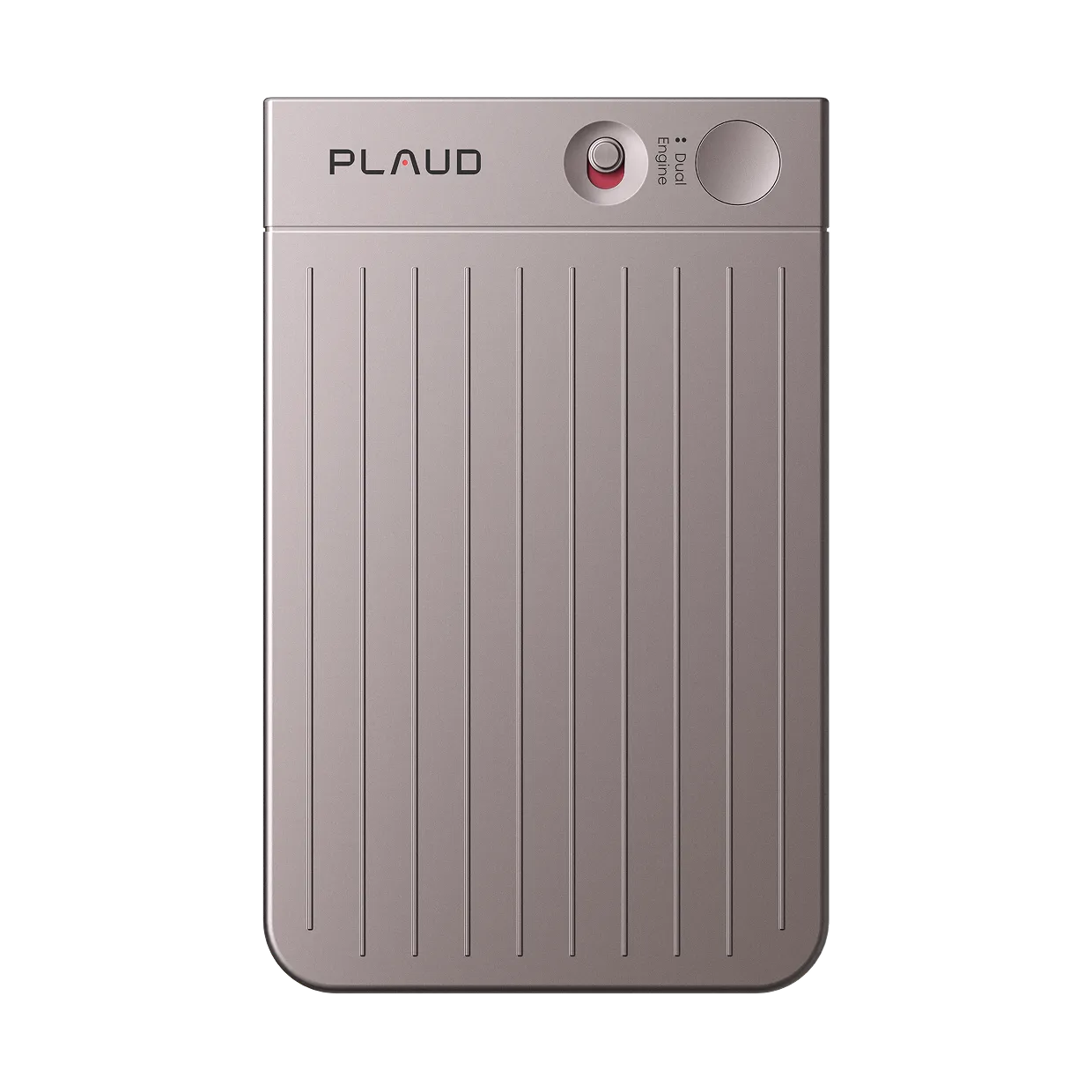
Plaud Note Pro with Plaud Intelligence
On-device recording with automatic transcription. No upload step. Native export to Notion and email from the Plaud App. No monthly caps. Always record with participant consent.
Based on publicly available tool documentation and Plaud product data. Always confirm consent from all speakers and follow local recording laws before transcribing any conversation.
Tips
Converting audio to text takes longer than it should. Three manual steps add friction.
Upload, wait, and copy-paste are the three steps that add friction between a recording and a finished document. Each step is a point where the workflow can fail or get delayed.
The easier way
How Plaud Note Pro converts audio to text without the upload step
Plaud Note Pro is a pocket recorder built around Plaud Intelligence. It records in high quality, transcribes without a manual upload step, and sends the finished transcript to Notion or email directly from the Plaud App. There are no monthly minute caps. Always confirm consent from all speakers before recording any conversation.
- Skip the upload step entirelyPlaud Note Pro skips that entirely. Plaud Intelligence transcribes the recording on-device and the transcript is ready in the Plaud App when the session ends. No file to download, no web tool to visit.
- Native export to Notion and emailMost transcription tools produce a text file that sits in the app until you manually copy and paste it into your destination. Plaud Note Pro sends the transcript directly to Notion or email from the Plaud App.
- No monthly transcription capsFree tools cap monthly transcription minutes, which blocks anyone recording frequently or in long sessions. Plaud Intelligence has no monthly cap. Long interviews, lecture sessions, and back-to-back recordings all transcribe in full without hitting a limit.

Plaud Note Pro
The pocket recorder that transcribes on-device and exports directly to Notion or email. No upload step. No monthly caps.