In-person meeting recording · How-to guide
How to record and transcribe in-person meetings
The tools built for meeting transcription (bots, AI companions, app-based recorders) require a video call. An in-person meeting produces no transcript unless a device capable of in-person capture is present. The gap is not software. It is microphone placement and pickup range.
 Best for in-person meeting transcription
Quick answer
4 steps from in-person audio to a complete transcript
The best method depends on whether you need real-time transcription or a processed transcript after the session. Choose your setup first.
1. Choose your recording method based on what you need
AI recording apps (Otter.ai, Fireflies.ai) run on a smartphone or laptop and generate real-time, speaker-labeled transcripts. Video conferencing tools like Microsoft Teams or Zoom can be opened on a laptop to record and transcribe in-person audio without an active remote participant. A dedicated AI recording device placed on the table handles capture and transcription without requiring a laptop or phone mic.
2. Choose a quiet environment and place the device at the center of the table
Background noise reduces transcription accuracy. Position the recording device centrally so all speakers are at roughly equal distance from the mic. Test by speaking from the far end of the table before the session opens to confirm every voice is audible.
3. Start recording before the meeting opens
The first minutes of a meeting often contain names, agenda decisions, and context that shape everything that follows. Starting before introductions ensures nothing is missing from the record.
4. Sync the recording immediately after the session
Auto-sync processes the transcript while context is still fresh. Speaker names, technical terms, and action items that appear in the output are easier to act on in the minutes after the session rather than the next day.
Methods
Which setup captures every speaker in the room
Compared on how much setup the method requires, which session types it covers, whether speakers are labeled in the transcript, and whether transcription is included or a separate step.
Phone voice recorder app
Single mono mic at one end of the table. Speakers on the far side are often inaudible in the recording. Phone calls can interrupt without warning.
Zoom or Teams on a laptop
Puts everyone in a video call workflow. Laptop mic picks up room noise over voices at distance. Changes the dynamic of an in-person session.
Dedicated audio recorder and service
Good audio quality but requires a manual upload, a transcription service subscription, and a turnaround of hours or days.
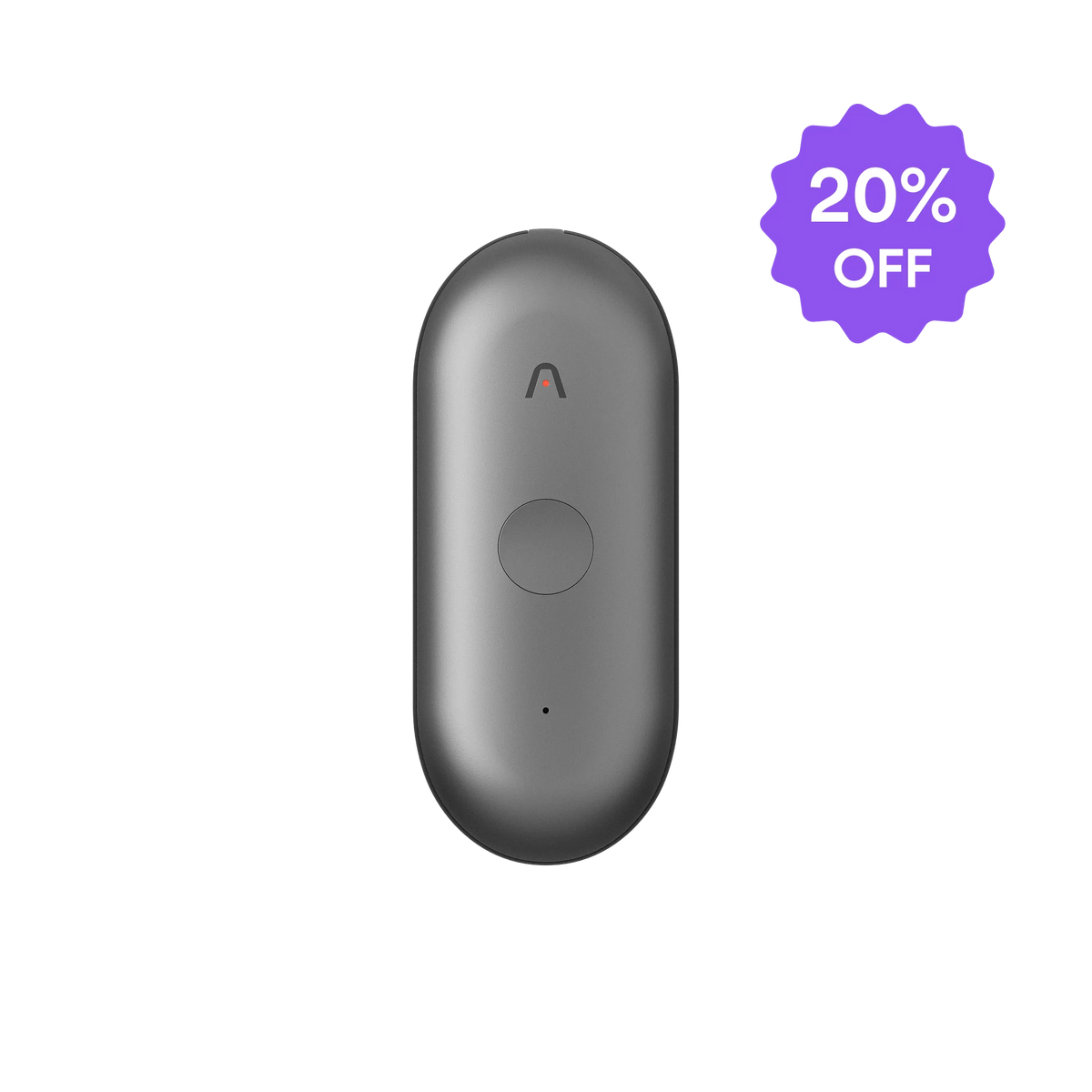
AI recorder (Plaud Note Pro)
Records the in-person session with 4 MEMS mics and AI beamforming. Plaud Intelligence transcribes and labels speakers automatically. Always record with participant consent.
Based on common meeting workflows and Plaud product data. Always follow your organization's recording policy and local consent rules before recording any session.
Tips
Transcription quality is determined before the meeting ends
Three setup decisions determine whether the recording produces a usable transcript. Whether the microphone captures voices at the full distance of the table. Whether each speaker is identified or merged into one block. Whether the transcript arrives before the context for verifying names and decisions has faded.