Skip to content
How to record interviews

How to record interviews

Guide to recording interviews without interrupting rapport, including decision paths, workflow comparisons, and product recommendations.

Interview recording · How-to guide

How to record interviews

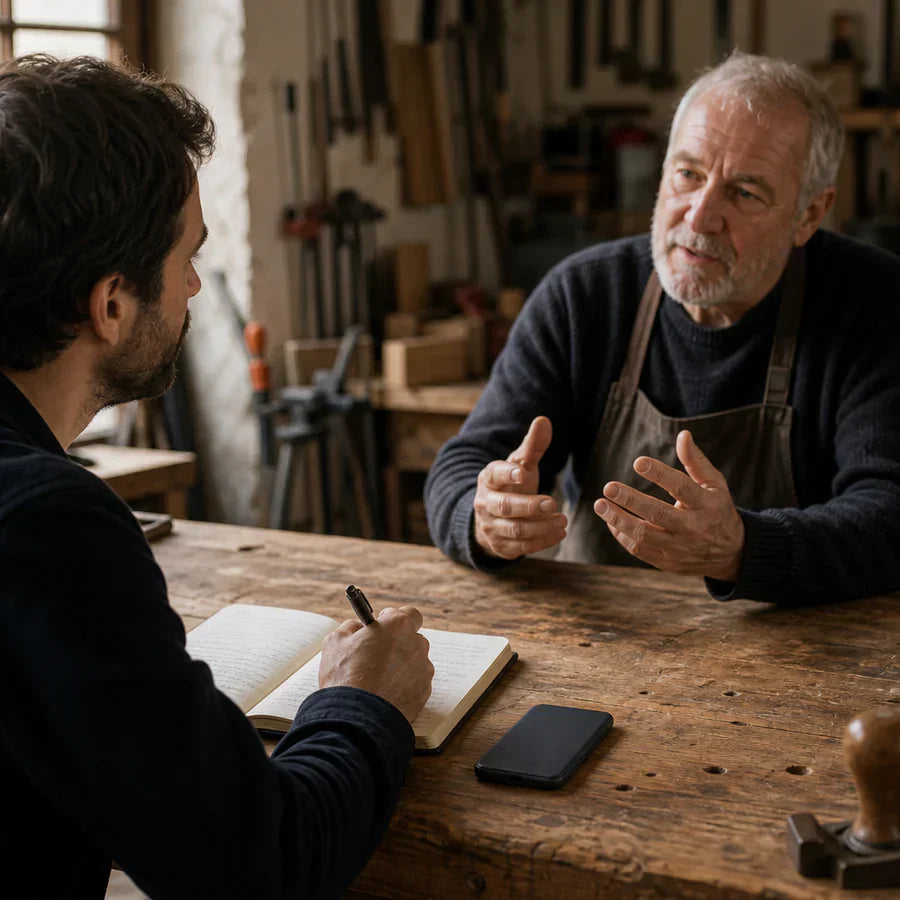
Managing a recording device during an interview competes with maintaining the rapport that produces honest, detailed answers. A subject who notices the device changes how they speak. The best recording setup is the one they stop thinking about.

Plaud Note Pro on a table between two people during an interviewBest for in-person interview capture

Quick answer

4 steps to a reliable interview recording

Whether the interview is in-person or remote, the setup decisions before pressing record determine whether every word is usable for transcription or quotation.

1. Confirm consent before placing or starting any recording device

Ask permission before recording, especially in jurisdictions with strict recording laws. State clearly what the recording will be used for. For in-person interviews, confirm before any device is placed on the table or clipped to clothing. For remote interviews, confirm on-record at the start of the session.

2. For in-person interviews: position the device 6–18 inches from the speaker and choose a quiet room

Place the device 6 to 18 inches from the speaker's mouth, resting on a soft surface to reduce vibration noise from the table. Use a room with carpet, curtains, or other soft furnishings to reduce echo. Close windows and turn off fans before starting. A digital recorder or dictaphone provides a reliable backup.

3. Do a dry run before the formal interview begins

Record a short warm-up exchange and play it back. This confirms audio quality and catches placement problems before anything important is said. For remote interviews, test your platform's recording function before the subject joins.

4. Have a backup device ready for critical sessions

A second device, a backup app, or a spare recorder means one hardware failure does not lose the interview. For published work or legal proceedings, a backup recording is not optional.

See full method comparison ↓

Methods

Which setup delivers clean audio without interrupting the interview

Compared on audio quality relative to distance from subject, how much device management is required during the session, battery reliability for full-day use, and whether transcription is built in.

Phone on the table

Convenient and always available. Visually prominent. The subject stays aware of the device throughout the session. Notifications and battery drops can interrupt.

Audio quality at distance
Medium (table distance)
Equipment management during session
Low (stays in place but visible)
Full-day reliability
Risky (battery, calls)
Transcription included
Partial (app required)

Handheld recorder (traditional journalist)

Good audio quality. Requires the interviewer to hold or redirect the mic, which signals recording pressure and requires active device management.

Audio quality at distance
Good (at close range)
Equipment management during session
High (needs repositioning)
Full-day reliability
Good
Transcription included
No (separate step)

Lavalier mic clipped to subject

Excellent proximity audio. Requires physical contact with the subject and an extended setup discussion, inappropriate in most journalism, research, or HR contexts.

Audio quality at distance
Excellent
Equipment management during session
None (once placed)
Full-day reliability
Good
Transcription included
No (separate step)

Wearable clip recorder (Plaud NotePin S)

Clips to the interviewer's collar at 17.4 g. Runs hands-free up to 20 hours. Out of the subject's direct line of sight. Always record with consent.

Audio quality at distance
Good (near conversation)
Equipment management during session
None (hands-free)
Full-day reliability
Excellent (20 h)
Transcription included
Yes

Based on common interview recording methods and Plaud product data. Always confirm participant consent and follow local recording laws before recording any conversation.

Tips

A device the subject can see changes how they answer

Three factors determine whether the recording produces a usable verbatim record. Whether audio is captured close enough to the conversation for word-level clarity. Whether the device stays out of the subject's field of vision throughout the session. Whether the battery covers the full session without interruption.

Audio captured across a table contains ambient noise that reduces verbatim accuracyA mic at table distance picks up chairs, HVAC, and background voices alongside the subject. Proximity audio at near-conversation range gives consistent levels regardless of how the subject moves. Plaud NotePin S clips to the interviewer's collar, keeping the mic near the conversation throughout the session.
A device the subject can see throughout the interview activates self-editingWhen the subject is aware of the recording device, they tend to moderate their language and hedge statements they would otherwise make directly. At 17.4 g, Plaud NotePin S clips to the interviewer's clothing and stays outside the subject's direct line of sight.
An interrupted recording loses the segment that follows, often the most candid partPhone notifications, low battery alerts, and incoming calls create gaps in the recording at moments the interviewer cannot predict or control. Plaud NotePin S records up to 20 hours with no notification interruptions during capture.
A transcript that paraphrases is not a transcript for published quotes or research citationsVerbatim accuracy requires the recording to capture every word at a level that transcription software can process reliably. Plaud Intelligence handles natural speech patterns, domain vocabulary, and conversational pauses to produce a same-session transcript.

Featured Blog Posts & Updates

Adult with ADHD capturing an idea at a calm desk

What motivates people with ADHD, and why it feels unreliable

People with ADHD are not motivated by a task's importance the way neurotypical brains often are. Motivation shows up through interest, novelty, challenge, urgency, and passion, a pattern researchers call an interest-based nervous system. This guide covers the science, why these motivators feel unreliable, and how to work with them day to day.

Read more
Clinician preparing a secure telehealth call in a medical office

Is Zoom HIPAA compliant? What providers need in place

Zoom is HIPAA compliant for healthcare use once an organization is on a qualifying paid plan, has a signed Business Associate Agreement with Zoom, and has the platform configured and used correctly. This guide covers which plans qualify, how to get a BAA, the settings that matter, and what happens when a separate AI note taker joins the call.

Read more
AI conversation recorder for in-person talks

AI conversation recorder for in-person talks

Plaud NotePin S is the wearable AI conversation recorder for in-person talks. Capture networking events, mentorship sessions, coffee chats, and informal business conversations without a phone on the table or a bot in the room.

Read more
Skip to content


