Meeting action items · How-to guide
How to turn meeting notes into action items
The problem with most meeting notes is the step after them. Capturing what was said is straightforward. Converting that into tasks with owners and deadlines requires a second pass that most people either rush or skip. AI recording changes the sequence: the action items come out of the meeting before anyone has to write them down.
 Best for structured output
Quick answer
4 steps from meeting audio to attributed action items
The fastest path skips the note-extraction step entirely and goes from audio to action items directly.
1. Review your notes and highlight decision signals
Look for phrases like "we should," "let's," or "can you," as these mark raw action item candidates. If you recorded the meeting, the transcript surfaces these patterns automatically without a manual read-through.
2. Rewrite each signal as a concrete task
A good action item has three parts: what needs to be done, who owns it, and when it is due. If any part is missing, mark the item as unclear rather than filling in details by inference.
3. Separate action items from decisions
Decisions are agreements the group already reached. Action items are work that still needs to happen. Keeping them in separate fields means the person receiving the recap can act without re-reading the full notes.
4. Send the recap grouped by person
Each owner should be able to scan their section and see exactly what they are responsible for, with a deadline or an explicit note that none was set. Send before the end of the day while context is fresh.
Methods
Which method captures owner and deadline attribution
Compared on how much active effort the method requires during the meeting, which meeting formats are covered, whether speaker labels identify who made each commitment, and whether transcription is included.
Manual note-taking → manual extraction
Write notes during the meeting, then re-read to identify action items.
Notes in Evernote or Notion → manual review
Note capture is reliable, but the extraction step is the bottleneck.
AI prompt on existing notes
Paste notes into ChatGPT or a similar tool and extract action items.
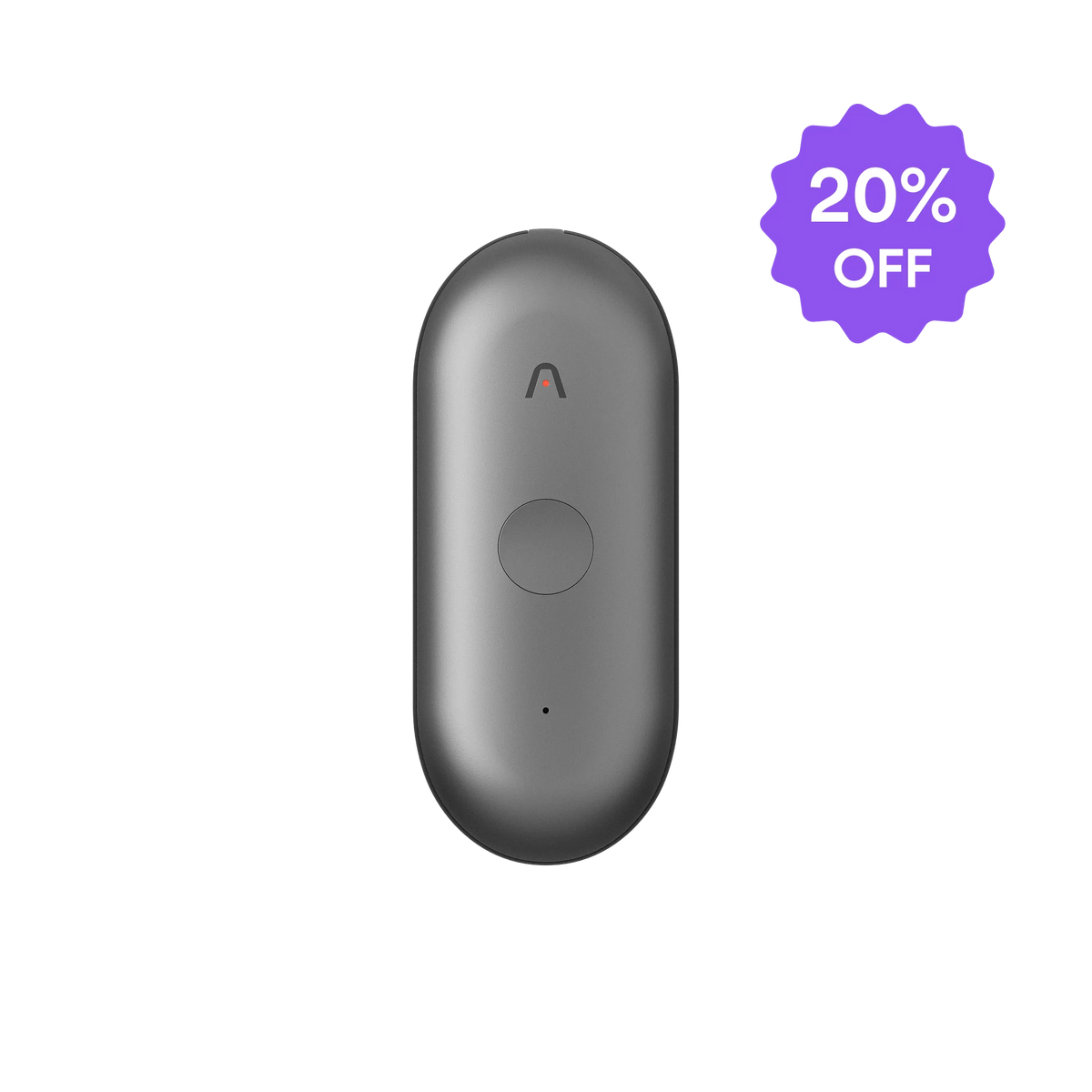
AI recorder → auto-generated action items (Plaud Note Pro)
Records the full meeting, phone call or in-person. Plaud Intelligence extracts action items with speaker attribution.
Based on common meeting workflows and Plaud product data. Always follow your organization's recording policy and local consent rules before recording any session.
Tips
What action items need to actually drive follow-through
An action item that gets done has three fields that all have values: what needs to happen, who owns it, and when it is due.