AI meeting notes · Speed guide
How to write meeting minutes faster with AI
The fastest way to write meeting minutes is to stop writing during the meeting. Record the conversation hands-free, let AI transcribe and summarize, then spend three minutes reviewing structured notes instead of reconstructing from memory. This page walks through four approaches ranked by how much time each one actually saves.
 Best for faster minutes
Quick answer
Four steps to write meeting minutes faster with AI
Record first, write second — each step below removes one manual bottleneck.
1. Record the meeting hands-free
Use a dedicated recorder — not a keyboard. Keep attention on the discussion.
2. Get an AI transcript after the meeting
Let the tool convert audio to text automatically. No replaying or manual typing needed.
3. Extract decisions and action items
Use a device with built-in Plaud Intelligence to generate structured minutes from the transcript.
4. Review and send in under five minutes
Check names, dates, and action owners. The AI handles structure — you handle accuracy.
Methods
Four ways to write meeting minutes faster — compared
Rated on three dimensions: Compatibility (works in-person and on calls), Cost (subscription vs. one-time), and Setup (how much configuration before the meeting). Low = easiest or lowest cost.
Type notes manually during the meeting
Works anywhere, but splits your attention — you miss fast exchanges and spend time cleaning up after.
Built-in transcription (Zoom, Teams, Meet)
Automatic and free inside video platforms, but doesn't cover in-person meetings or phone calls.
AI notetaker apps (Otter, Fathom, Fireflies)
Strong AI summaries, but requires a phone running in the background and a monthly subscription.
Dedicated AI recorder (Plaud Note Pro)
Smart dual-mode automatically covers both in-person meetings and phone calls without a phone app; AI structures output as minutes.
Based on common meeting workflows and Plaud product data. Always follow your organization's recording policy and local consent rules.
Tips
What makes AI meeting minutes good
AI-generated minutes are only as good as what goes into them. The four conditions below explain why some outputs are shareable immediately and others need heavy editing — and how each one maps to what the recording device and AI tool actually do.
The easier way
Plaud Note Pro — the recording step, solved
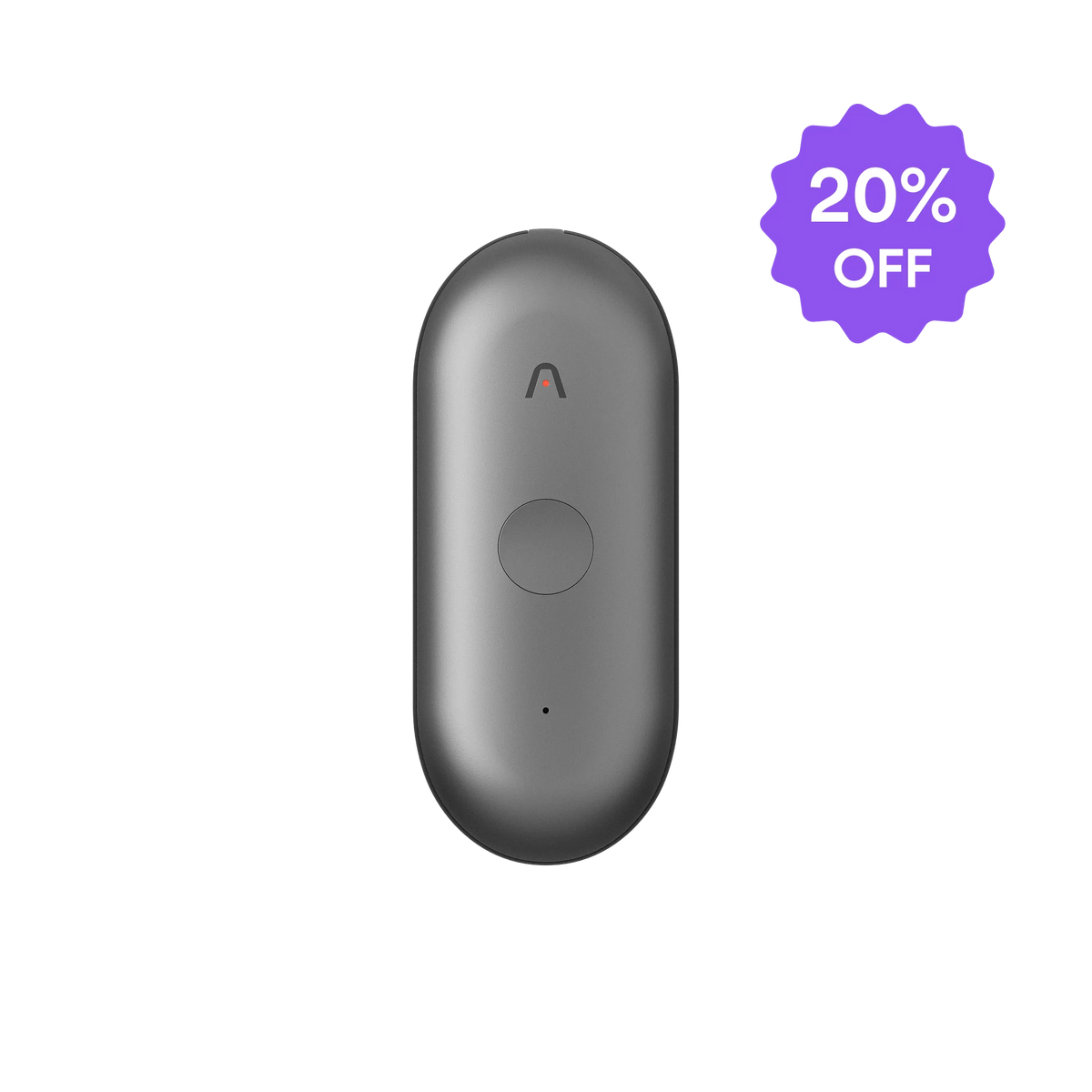
Plaud Note Pro is a physical AI note taker that handles the recording step without platform restrictions — no bot to invite, no app to keep running, no manual mode switching.
- 4 MEMS mics + AI beamformingCaptures speech clearly at up to 5 meters; handles multiple speakers without repositioning.
- Smart dual-mode auto-detectionRecognizes phone calls and in-person meetings automatically; the right recording mode every time.
- AI summaries with 10,000+ templatesOutputs structured minutes with decisions and action items, not just a raw transcript.

Plaud Note Pro
The world's most advanced physical AI note taker — built for every meeting format.