Voice-to-text devices · Complete guide
Voice-to-text / speech-to-text device
Two options exist: a phone app or a dedicated hardware device. Here is how to pick the one that fits your workflow.
Based on real user reviews · Trusted by 2M+ users globally since 2023
The basics
What is a voice-to-text / speech-to-text device?
A voice-to-text device is any hardware or software tool that converts spoken words into written text automatically. The process covers recording, transcription, speaker identification, and summarization. Most phone apps depend on a mobile microphone and a cloud connection, which limits their use outside of scheduled calls or meetings. A dedicated hardware device captures audio from phone calls and in-person conversations without relying on a meeting bot or a stable internet link.
Text, not a recording file
The device converts audio into a searchable transcript rather than storing an audio file you must replay. That output works for fast review, sharing, and archiving without extra steps.
Works beyond the meeting room
Hardware devices capture phone calls, in-person conversations, and lectures in any location, not just video calls on a computer. The microphone sits close to the source whether the device clips to a phone or rests on a desk.
Structured notes you can act on
Plaud Intelligence processes the transcript into a summary, action items, and key highlights after every session. That output saves the time you would otherwise spend writing up notes from memory.
| Capability | Phone app | Plaud hardware |
|---|---|---|
| Works on phone calls | ✓ | ✓ |
| Works in-person without a platform invite | ✗ | ✓ |
| Output is searchable text | ✓ | ✓ |
| Works offline or without a stable connection | ✗ | ✓ |
| No bot visible to participants | ✗ | ✓ |
| Dedicated microphone close to the speaker | ✗ | ✓ |
By use case
Find the voice-to-text device for your workflow
Same hardware, three scenario-specific setups. Pick the one closest to your day-to-day.

Phone calls and meetings
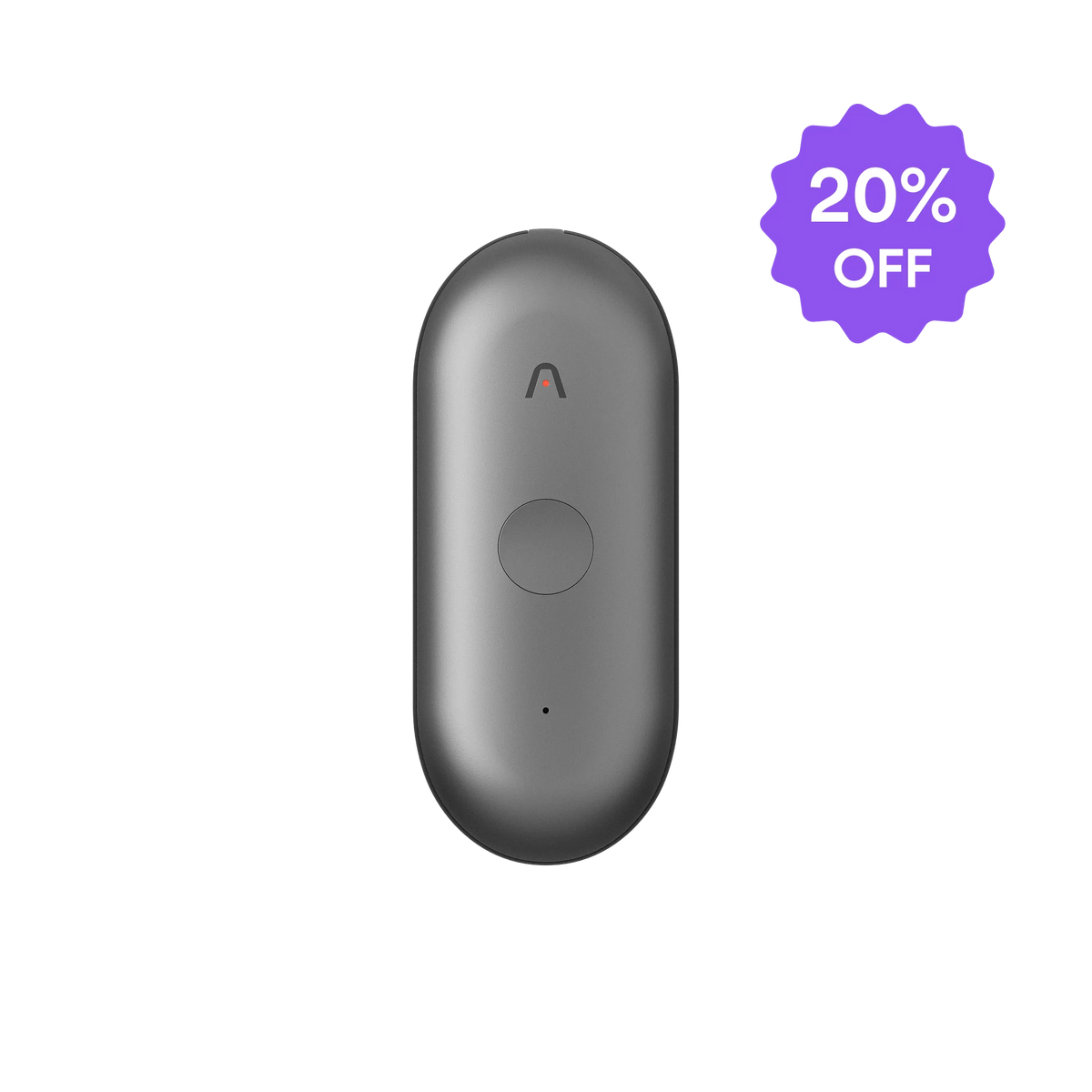
Plaud Note. Clips to any phone via magnetic case. Records both sides of the call with clear audio.

Clinical and legal documentation
Plaud Note. One press starts recording. Plaud Intelligence turns the session into a structured clinical or legal note.

Lectures and note-taking
Plaud Note. Sits on a desk and captures multi-speaker audio. Students get a transcript and summary after each session.